MEMBER BONUS COLLECTION

20 new designs.
Ready to make yours.

This is the same free starter collection offered to agents publicly. No additional lead form is needed for members. The existing main member library remains separate and unchanged.

Download the complete PDF guideBack to the member template library

How to use your templates
  1. Open the selected template. Sign in to your own Canva account and create your own copy.
  2. Replace YOUR LOGO, all bracketed facts and example identities. Templates can be branded by changing logos and colors. Keep official third-party logos unchanged.
  3. Use your authorized property photos and portrait. Select the appropriate layer using Canva’s normal tools; the background, gradient and realtor are separate elements. Use your authorized transparent PNG for a foreground person; background removal depends on your tools.
  4. Verify prices, event dates, permissions, credits and required brokerage/contact identification. Preview at phone size, fix clipped text and obtain applicable broker/local review.
  5. Export the selected design. The 20 templates are static 4:5 feed posts, not finished videos or extra format adaptations.

Owner/source/export and signed-out Canva destination checks passed. Actual separate-recipient editable-copy/save/export acceptance remains unverified.

20 of 20 templates

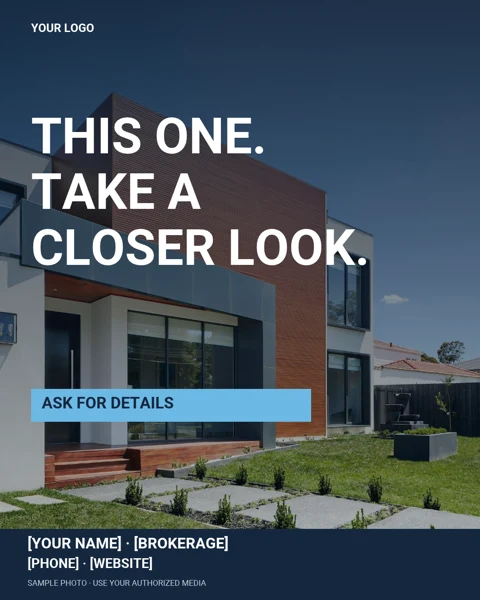
First-look listing

FG01 / Listings

First-look listing

Use for a verified listing or property feature. Replace the sample photo and add approved property details.

Open FG01 in Canva
Caption starter

A closer look can make all the difference. Ask me for the verified details on [PROPERTY].
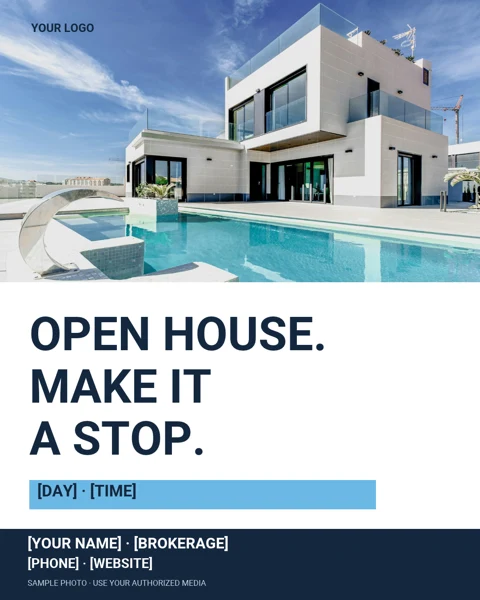
Open-house stop

FG02 / Listings

Open-house stop

Confirm permission, address, date and event hours before announcing an open house.

Open FG02 in Canva
Caption starter

Planning your weekend? Visit [ADDRESS] on [VERIFIED DAY/TIME]. Ask me for event details.

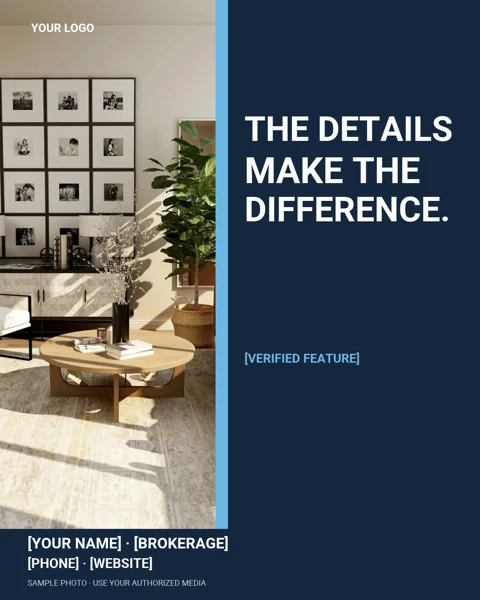
Feature spotlight

FG03 / Listings

Feature spotlight

Show one real, photographed feature—not an unsupported list of upgrades.

Open FG03 in Canva
Caption starter

Today’s closer look: [VERIFIED FEATURE] at [PROPERTY]. What would you like to know?

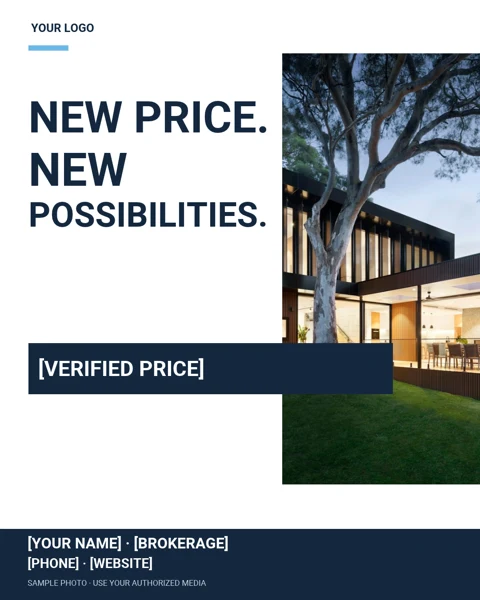
Price-change editorial

FG04 / Listings

Price-change editorial

Use only after a genuine, authorized price change. Update price and required identification.

Open FG04 in Canva
Caption starter

An authorized price update for [PROPERTY]: [VERIFIED PRICE]. Contact me for the current facts.

Buyer-plan conversation

FG05 / Buyers

Buyer-plan conversation

Invite a buyer planning conversation; do not promise qualification or financing.

Open FG05 in Canva
Caption starter

Before the saved homes and weekend tours, let’s talk priorities, timing and a process that fits your needs.

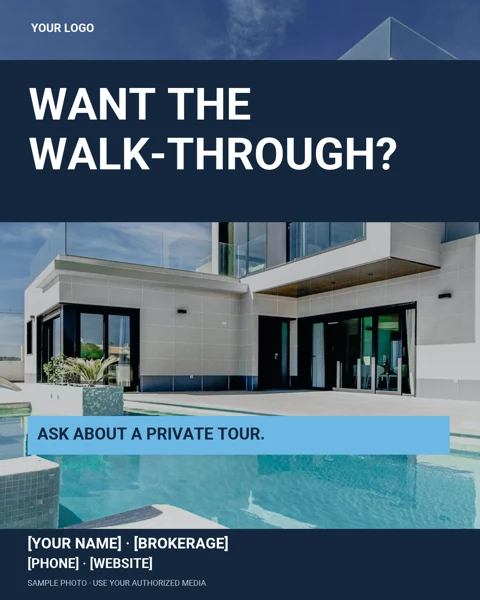
Tour invitation

FG06 / Buyers

Tour invitation

Confirm availability and applicable representation/visit procedures with your broker before arranging a tour.

Open FG06 in Canva
Caption starter

Want to see [PROPERTY] more closely? Ask about current availability and the steps for arranging a visit.

Next-chapter buyer

FG07 / Buyers

Next-chapter buyer

Start with the buyer’s own priorities, not demographic or neighborhood-suitability assumptions.

Open FG07 in Canva
Caption starter

What matters most in your next home? Start with your needs, your timeline and the questions you want answered.

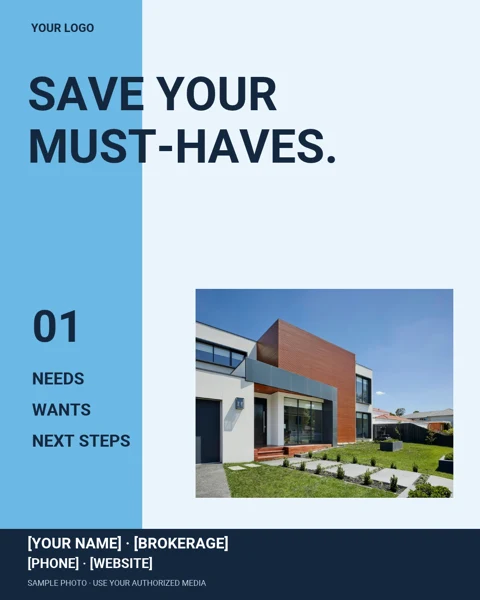
Must-have shortlist

FG08 / Buyers

Must-have shortlist

Offer a simple needs-versus-wants discussion; use the client’s own criteria consistently.

Open FG08 in Canva
Caption starter

A useful shortlist starts with three things: the space you need, your own location criteria and your timing.

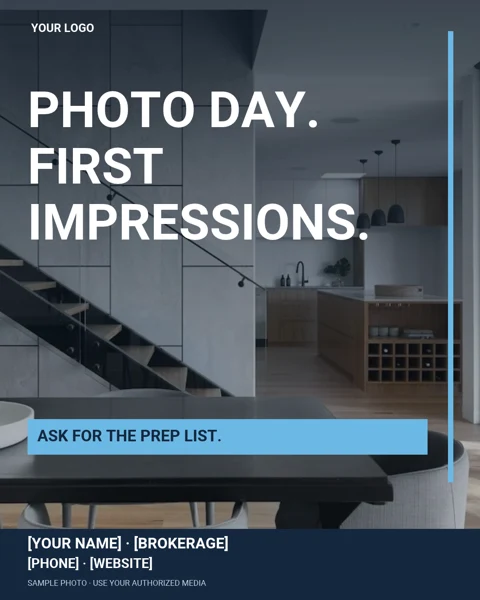
Photo-day preparation

FG09 / Sellers

Photo-day preparation

Offer a practical photo-preparation checklist; do not imply a price or sale-time result.

Open FG09 in Canva
Caption starter

Getting ready for listing photos? Ask for a simple prep list to help organize the space before the photographer arrives.

Bigger-picture preparation

FG10 / Sellers

Bigger-picture preparation

Discuss preparation priorities without inventing a return on improvements.

Open FG10 in Canva
Caption starter

Not sure where to begin before selling? Let’s sort the practical preparation steps from the questions that need a professional opinion.

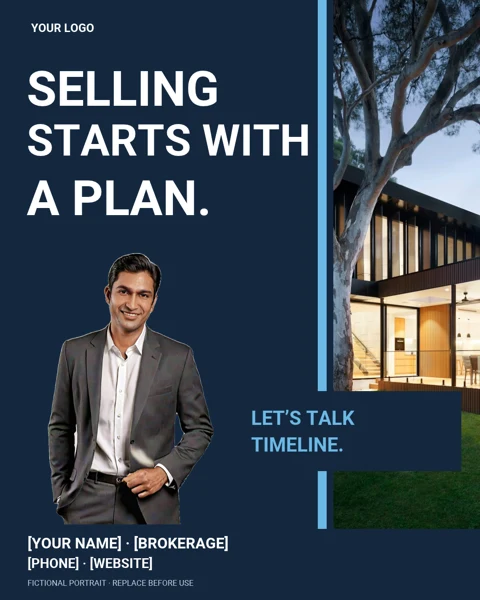
Seller-timeline plan

FG11 / Sellers

Seller-timeline plan

Use for a seller consultation invitation, with no guaranteed price, timing or results.

Open FG11 in Canva
Caption starter

Your move has a timeline of its own. Let’s talk about your goals, preparation and the information you need before deciding.

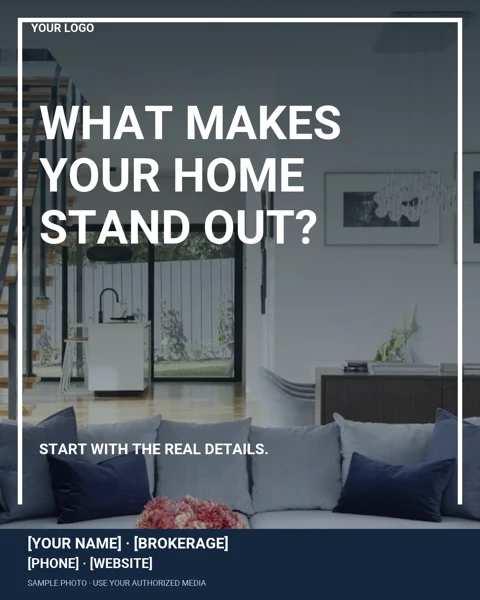
Standout feature question

FG12 / Sellers

Standout feature question

Ask for verified features and authorized media; do not invent upgrades or amenities.

Open FG12 in Canva
Caption starter

Every property has a story. Start with its verified features and the details a buyer can actually see.

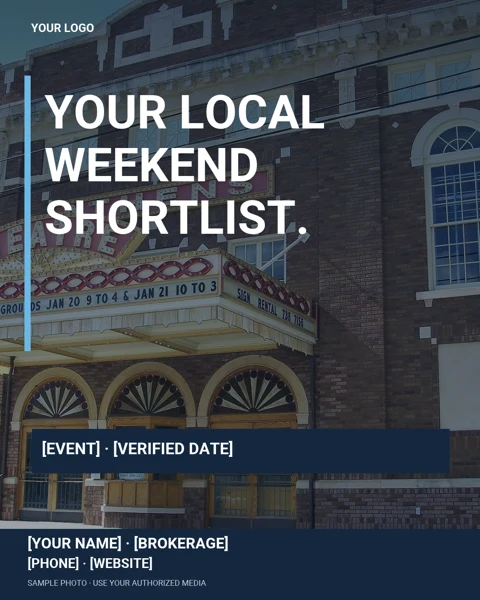
Local-weekend shortlist

FG13 / Local content

Local-weekend shortlist

Verify event dates, public access and image permissions. Avoid implying an event endorsement.

Open FG13 in Canva
Caption starter

Looking for local ideas? Here is [VERIFIED PUBLIC EVENT] on [DATE]. Check the organizer’s current details before heading out.

Sample photo: Ebyabe, Athens Theatre, DeLand (2007), CC BY 2.5, cropped/resized. Photo source. Retain attribution if this sample remains.

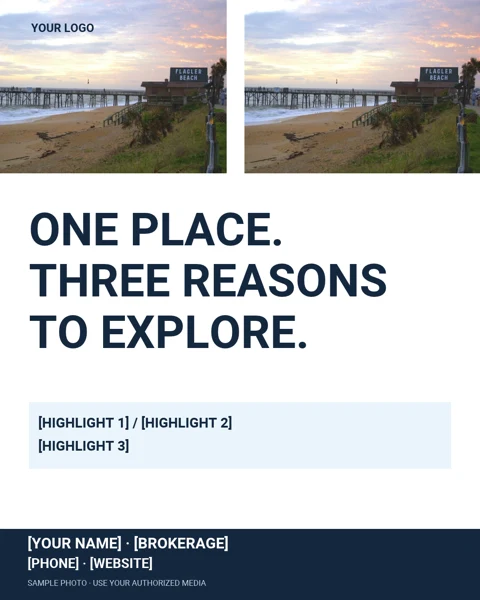
Explore-one-place

FG14 / Local content

Explore-one-place

Use three factual public highlights from the same real place; replace the illustrative scene.

Open FG14 in Canva
Caption starter

A closer look at [PLACE]: [VERIFIED HIGHLIGHT 1], [HIGHLIGHT 2] and [HIGHLIGHT 3]. Explore what matters to you.

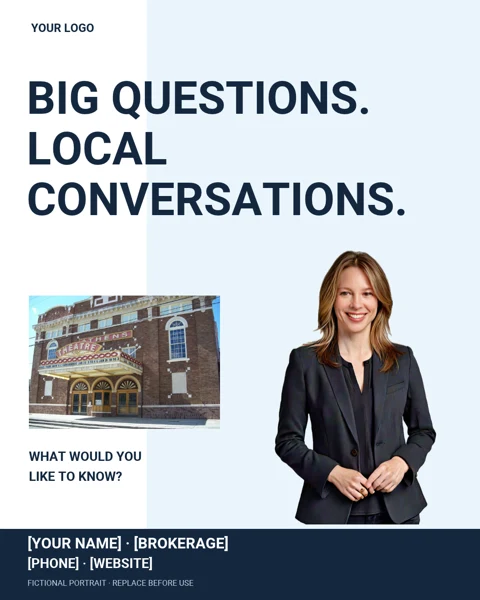
Local-conversation starter

FG15 / Local content

Local-conversation starter

Invite factual local questions; use neutral sources and do not make safety, school or demographic recommendations.

Open FG15 in Canva
Caption starter

What local real-estate question is on your mind? I can help you find information and point you toward the right sources.

Sample photo: Ebyabe, Athens Theatre, DeLand (2007), CC BY 2.5, cropped/resized. Photo source. Retain attribution if this sample remains.

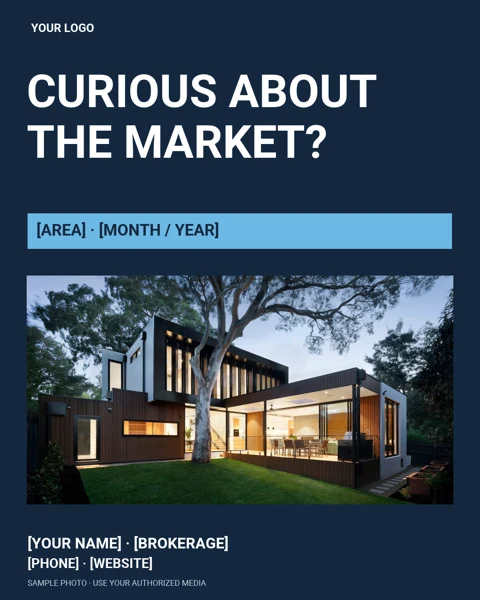
Market-question starter

FG16 / Local content

Market-question starter

Insert dated, sourced market facts in your caption—not invented numbers in the artwork.

Open FG16 in Canva
Caption starter

Want a dated market overview for [AREA]? Ask me about the sources, time period and measures that matter for your question.

Real-questions introduction

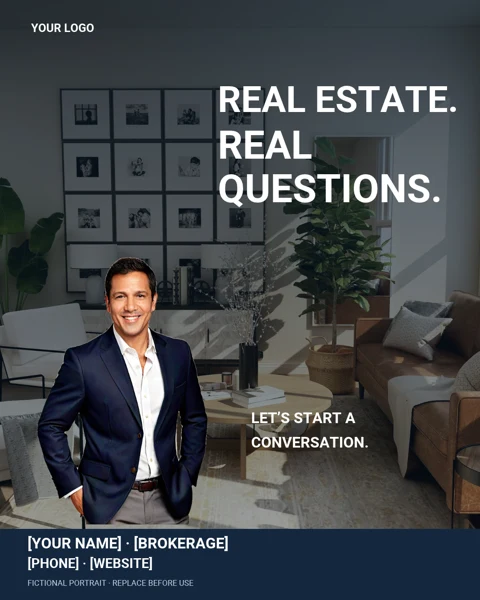
FG17 / Agent brand

Real-questions introduction

Replace the fictional example with your own authorized portrait. State only your actual role and experience.

Open FG17 in Canva
Caption starter

Have a real-estate question? Tell me what you are working through, and we can identify a useful next step.

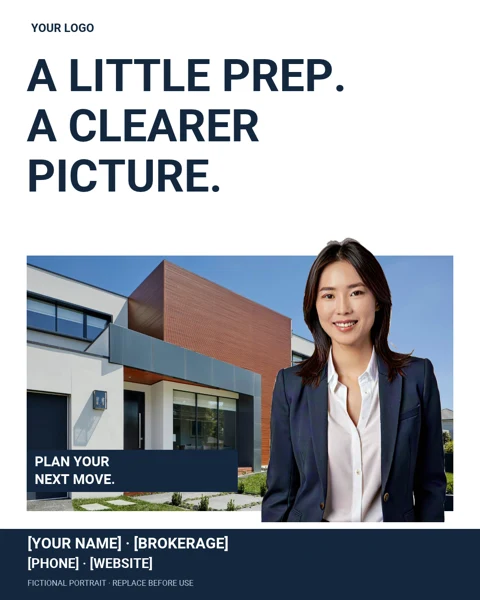
Make-a-move plan

FG18 / Agent brand

Make-a-move plan

Use as a planning invitation, not a promise of a particular transaction outcome.

Open FG18 in Canva
Caption starter

A good starting point is a conversation about what you want to do and when. What does your next move look like?

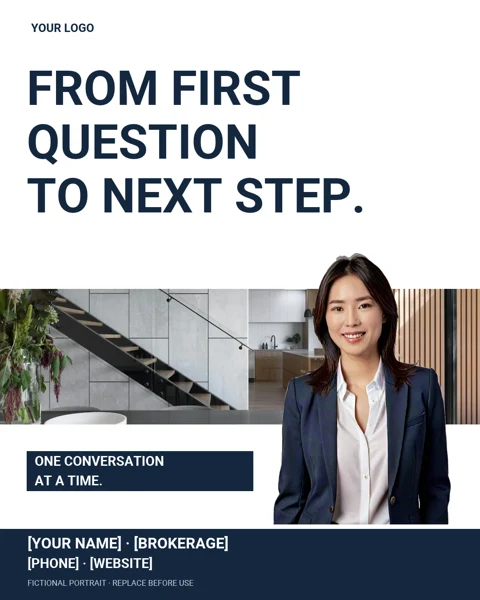
Question-to-next-step

FG19 / Agent brand

Question-to-next-step

Be honest about experience and actual support; involve qualified professionals when needed.

Open FG19 in Canva
Caption starter

You don’t need every answer before asking your first question. Let’s identify what to learn, verify or discuss next.

Next-conversation invitation

FG20 / Agent brand

Next-conversation invitation

Use with your real contact information and authorized portrait, without fake testimonials or expertise claims.

Open FG20 in Canva
Caption starter

Buying, selling or simply gathering information? Start with your question. No pressure and no invented promises.

Make the sample media yours

Fictional AI portraits are examples—not real employees, clients, licensing claims or endorsements. Replace them with your own authorized portrait. Sample property scenes are illustrative, not listings, and different scenes do not establish one property. Community photos can be archival.

Sample stock property/interiors: Unsplash License. FG13/FG15: Ebyabe, Athens Theatre, DeLand (2007), CC BY 2.5, cropped/resized. FG14: Victor Rugg, Flagler Beach (2010), CC0, cropped/resized. See the PDF’s media/credits page; retain applicable attribution while sample media remains. Roboto: Apache 2.0.

Use the original layouts for your own authorized marketing. Do not resell this pack as your own library. Third-party media rights are separate; no independent model/property clearance or advertising approval is claimed.

There’s more at RealWolfPack.com

Everyone deserves someone in their corner.

Want more tools, training and support? Explore opportunities to partner with James Jestes and the Agent Wolf Pack community. Additional member resources require an approved member account; this free download does not activate membership or third-party accounts.